WordPress Security Monitoring Best Practices: Complete Guide
Learn essential WordPress security monitoring practices including log analysis, alerting, real-time detection, and incident response.
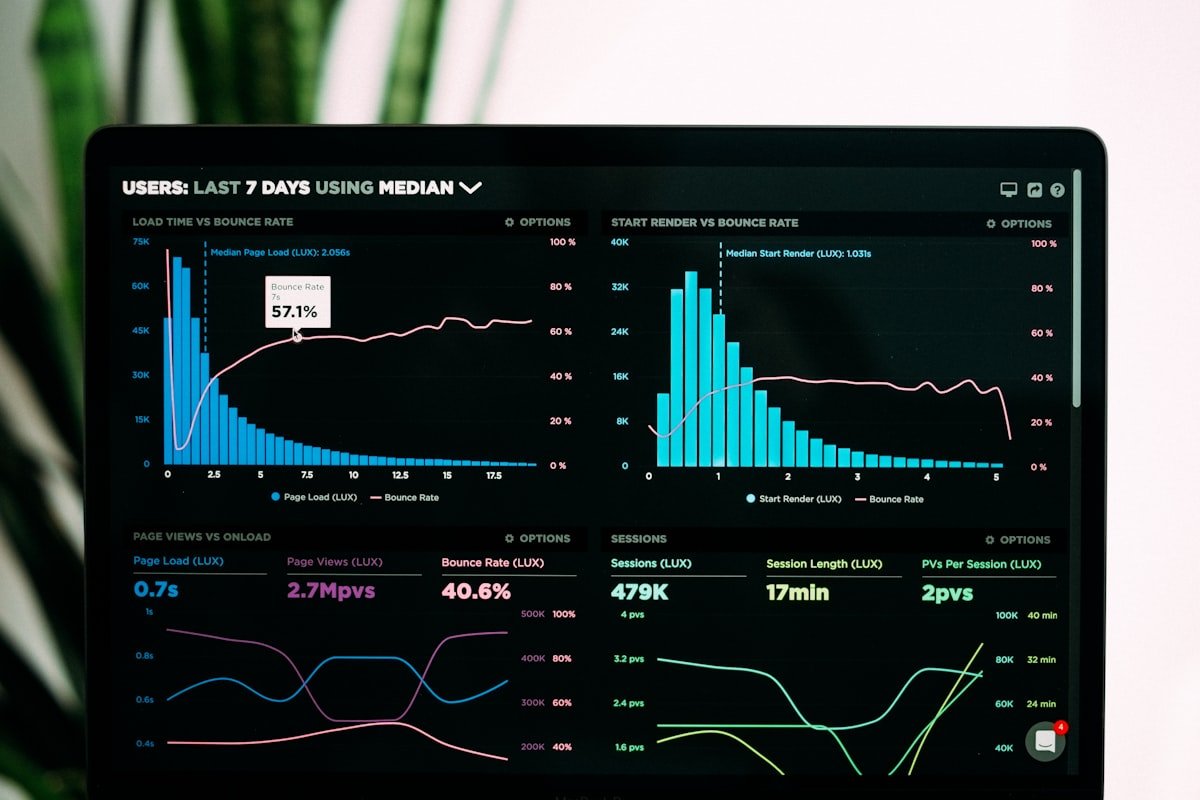
Effective security monitoring helps detect threats early, respond quickly to incidents, and maintain ongoing site protection. This guide covers essential monitoring practices for WordPress sites.
Security Monitoring Fundamentals
Comprehensive monitoring covers:
- Login attempts and authentication
- File system changes
- Database modifications
- User activity tracking
- Network traffic patterns
- Error and exception logging
Login Activity Monitoring
Track all authentication events:
// Log successful logins
add_action('wp_login', function($username, $user) {
    log_security_event(array(
        'type' => 'login_success',
        'user_id' => $user->ID,
        'username' => $username,
        'ip' => $_SERVER['REMOTE_ADDR'],
        'user_agent' => $_SERVER['HTTP_USER_AGENT'] ?? 'Unknown',
        'time' => current_time('mysql'),
    ));

    // Check for suspicious patterns
    check_login_anomalies($user->ID, $_SERVER['REMOTE_ADDR']);
}, 10, 2);

// Log failed logins
add_action('wp_login_failed', function($username) {
    log_security_event(array(
        'type' => 'login_failed',
        'username' => $username,
        'ip' => $_SERVER['REMOTE_ADDR'],
        'user_agent' => $_SERVER['HTTP_USER_AGENT'] ?? 'Unknown',
        'time' => current_time('mysql'),
    ));

    // Check for brute force
    check_brute_force($_SERVER['REMOTE_ADDR'], $username);
});

function check_login_anomalies($user_id, $ip) {
    // Check if new location
    $known_ips = get_user_meta($user_id, 'known_login_ips', true) ?: array();

    if (!in_array($ip, $known_ips)) {
        // Alert user about new location
        $user = get_user_by('id', $user_id);
        wp_mail(
            $user->user_email,
            'New login location detected',
            sprintf('Your account was accessed from IP: %s', $ip)
        );

        // Add to known IPs
        $known_ips[] = $ip;
        update_user_meta($user_id, 'known_login_ips', array_slice($known_ips, -10));
    }
}
File Integrity Monitoring
Detect unauthorized file changes with these monitoring steps:
- Define paths to monitor - Include wp-config.php, .htaccess, wp-includes, wp-admin, plugins, and theme directories
- Generate file hashes - Create MD5 hashes for all PHP files in monitored directories
- Compare with baseline - Check current hashes against stored hashes from previous scan
- Detect changes - Identify added, modified, or deleted files
- Alert on changes - Send notifications when unauthorized modifications are detected
- Update baseline - Store new hashes after each scan for future comparison
- Schedule scans - Run hourly integrity checks using WordPress cron
Database Activity Logging
Track critical database changes:
// Log option changes
add_action('updated_option', function($option, $old_value, $value) {
    $sensitive_options = array(
        'admin_email',
        'users_can_register',
        'default_role',
        'siteurl',
        'home',
    );

    if (in_array($option, $sensitive_options)) {
        log_security_event(array(
            'type' => 'option_changed',
            'option' => $option,
            'old_value' => maybe_serialize($old_value),
            'new_value' => maybe_serialize($value),
            'user_id' => get_current_user_id(),
            'time' => current_time('mysql'),
        ));
    }
}, 10, 3);

// Log user role changes
add_action('set_user_role', function($user_id, $role, $old_roles) {
    log_security_event(array(
        'type' => 'role_changed',
        'user_id' => $user_id,
        'old_roles' => implode(', ', $old_roles),
        'new_role' => $role,
        'changed_by' => get_current_user_id(),
        'time' => current_time('mysql'),
    ));

    // Alert on admin role assignment
    if ($role === 'administrator') {
        wp_mail(
            get_option('admin_email'),
            'New administrator created',
            sprintf('User ID %d was granted administrator role', $user_id)
        );
    }
}, 10, 3);
Real-Time Alert System
Implement immediate alerting:
function send_security_alert($event_type, $details) {
    $alert_config = get_option('security_alert_config', array(
        'email' => get_option('admin_email'),
        'slack_webhook' => '',
        'severity_threshold' => 'medium',
    ));

    $severity_levels = array(
        'login_failed' => 'low',
        'login_success' => 'low',
        'file_modified' => 'high',
        'admin_created' => 'critical',
        'option_changed' => 'medium',
        'plugin_activated' => 'medium',
    );

    $event_severity = $severity_levels[$event_type] ?? 'low';

    // Check threshold
    $threshold_order = array('low' => 1, 'medium' => 2, 'high' => 3, 'critical' => 4);

    if ($threshold_order[$event_severity] < $threshold_order[$alert_config['severity_threshold']]) {
        return;
    }

    // Send email alert
    $subject = sprintf('[%s] Security Alert: %s', strtoupper($event_severity), $event_type);
    $message = format_alert_message($event_type, $details);

    wp_mail($alert_config['email'], $subject, $message);

    // Send Slack notification
    if (!empty($alert_config['slack_webhook'])) {
        wp_remote_post($alert_config['slack_webhook'], array(
            'body' => json_encode(array(
                'text' => $subject,
                'attachments' => array(
                    array(
                        'color' => get_severity_color($event_severity),
                        'text' => $message,
                    ),
                ),
            )),
            'headers' => array('Content-Type' => 'application/json'),
        ));
    }
}
Traffic Pattern Analysis
Detect unusual traffic patterns:
function analyze_traffic_patterns() {
    global $wpdb;

    // Get request counts by IP for last hour
    $ip_counts = $wpdb->get_results("
        SELECT ip_address, COUNT(*) as request_count
        FROM security_logs
        WHERE created_at > DATE_SUB(NOW(), INTERVAL 1 HOUR)
        GROUP BY ip_address
        HAVING request_count > 100
    ");

    foreach ($ip_counts as $ip_data) {
        send_security_alert('high_traffic', array(
            'ip' => $ip_data->ip_address,
            'requests' => $ip_data->request_count,
            'period' => '1 hour',
        ));

        // Auto-block if threshold exceeded
        if ($ip_data->request_count > 500) {
            block_ip($ip_data->ip_address, 'Automated block: excessive requests');
        }
    }

    // Check for 404 scanning
    $scan_attempts = $wpdb->get_results("
        SELECT ip_address, COUNT(*) as attempts
        FROM security_logs
        WHERE response_code = 404
        AND created_at > DATE_SUB(NOW(), INTERVAL 10 MINUTE)
        GROUP BY ip_address
        HAVING attempts > 20
    ");

    foreach ($scan_attempts as $scan) {
        send_security_alert('vulnerability_scan', array(
            'ip' => $scan->ip_address,
            '404_count' => $scan->attempts,
        ));
    }
}
Dashboard and Reporting
Create security overview dashboard:
function get_security_dashboard_data() {
    global $wpdb;

    $data = array(
        'failed_logins_24h' => $wpdb->get_var("
            SELECT COUNT(*) FROM security_logs
            WHERE type = 'login_failed'
            AND created_at > DATE_SUB(NOW(), INTERVAL 24 HOUR)
        "),

        'blocked_ips' => count(get_option('blocked_ips', array())),

        'file_changes_7d' => $wpdb->get_var("
            SELECT COUNT(*) FROM security_logs
            WHERE type = 'file_modified'
            AND created_at > DATE_SUB(NOW(), INTERVAL 7 DAY)
        "),

        'active_sessions' => count(wp_get_all_sessions(get_current_user_id())),

        'last_backup' => get_option('last_backup_time'),

        'security_score' => calculate_security_score(),
    );

    return $data;
}

function calculate_security_score() {
    $score = 100;

    // Deduct for issues
    if (!is_ssl()) {
        $score -= 20;
    }

    if (get_option('users_can_register')) {
        $score -= 10;
    }

    $failed_logins = get_failed_login_count_24h();
    if ($failed_logins > 50) {
        $score -= 15;
    }

    $outdated_plugins = count(get_outdated_plugins());
    $score -= min($outdated_plugins * 5, 25);

    return max(0, $score);
}
Log Retention and Cleanup
Manage log storage efficiently:
function cleanup_old_security_logs() {
    global $wpdb;

    // Keep detailed logs for 30 days
    $wpdb->query("
        DELETE FROM security_logs
        WHERE created_at < DATE_SUB(NOW(), INTERVAL 30 DAY)
        AND type NOT IN ('admin_created', 'file_modified', 'option_changed')
    ");

    // Keep critical logs for 1 year
    $wpdb->query("
        DELETE FROM security_logs
        WHERE created_at < DATE_SUB(NOW(), INTERVAL 1 YEAR)
    ");

    // Archive monthly summaries
    archive_monthly_stats();
}
add_action('wpfs_daily_cleanup', 'cleanup_old_security_logs');
Conclusion
Effective WordPress security monitoring combines login tracking, file integrity checks, database monitoring, real-time alerting, and traffic analysis. Regular review of security dashboards helps identify trends and potential threats early.
Written by Sarah Chen
WP Folder Shield Team


