WordPress Security
WordPress Security Logging: Track and Monitor Activity
Implement comprehensive security logging in WordPress to detect threats, investigate incidents, and maintain compliance.
S
Sarah Chen
7 min read
1,199 views
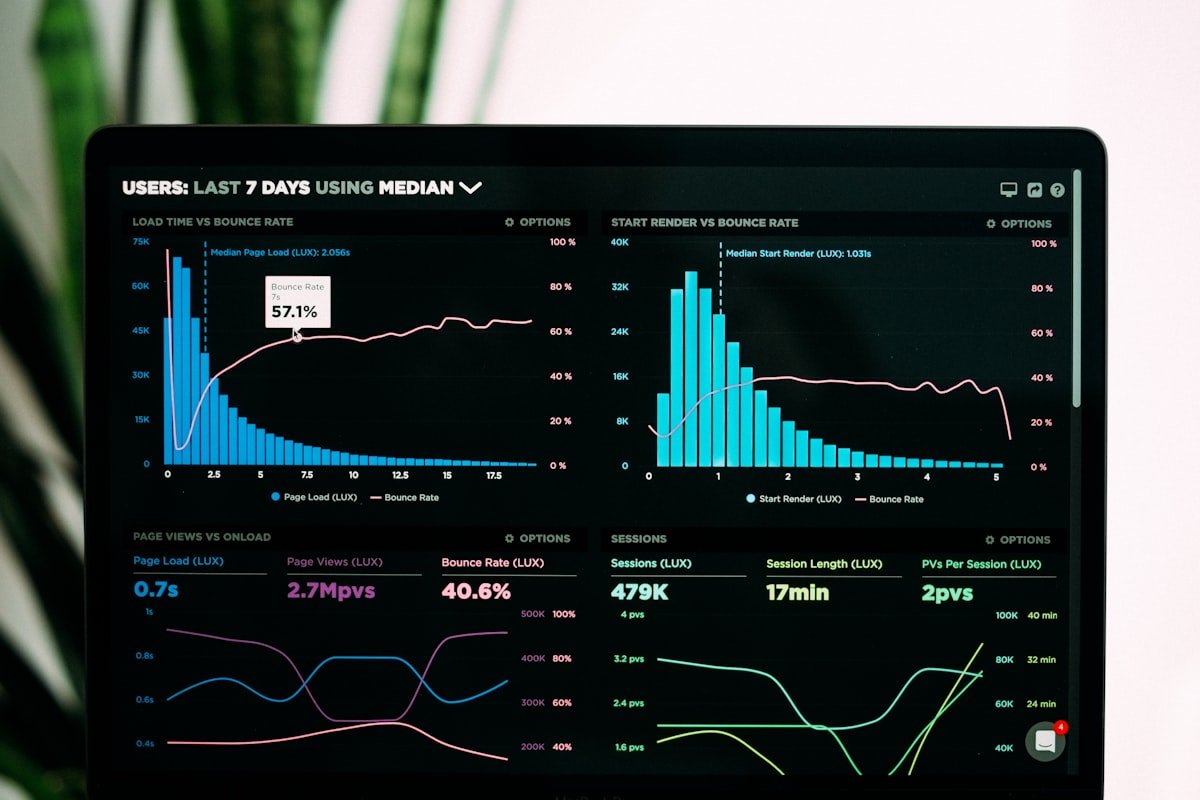
Security logging provides visibility into what happens on your WordPress site. Without logs, you cannot detect attacks, investigate breaches, or prove compliance with security standards.
Why Security Logging Matters
Benefits of Logging
- Detect intrusion attempts early
- Investigate security incidents
- Identify attack patterns
- Prove compliance (PCI, GDPR, HIPAA)
- Track user activity for accountability
What to Log
Authentication Events
- Successful logins (user, IP, timestamp)
- Failed login attempts
- Password reset requests
- Two-factor authentication events
- Session creation and destruction
Administrative Actions
- User creation, modification, deletion
- Role and capability changes
- Plugin and theme installations
- Settings modifications
- File uploads and deletions
Security Events
- Firewall blocks
- IP blacklist additions
- Suspicious requests detected
- Core file modifications
- Failed capability checks
Implementing WordPress Logging
Basic Activity Logger
// Log security events
function wpfs_log_event($event_type, $details, $severity = 'info') {
    global $wpdb;

    $log_data = array(
        'event_type' => sanitize_text_field($event_type),
        'user_id' => get_current_user_id(),
        'ip_address' => wpfs_get_client_ip(),
        'user_agent' => sanitize_text_field($_SERVER['HTTP_USER_AGENT'] ?? ''),
        'details' => wp_json_encode($details),
        'severity' => $severity,
        'created_at' => current_time('mysql')
    );

    $wpdb->insert(
        $wpdb->prefix . 'security_logs',
        $log_data,
        array('%s', '%d', '%s', '%s', '%s', '%s', '%s')
    );
}

// Log login events
add_action('wp_login', 'wpfs_log_login_success', 10, 2);
function wpfs_log_login_success($username, $user) {
    wpfs_log_event('login_success', array(
        'username' => $username,
        'user_id' => $user->ID
    ));
}

add_action('wp_login_failed', 'wpfs_log_login_failed');
function wpfs_log_login_failed($username) {
    wpfs_log_event('login_failed', array(
        'username' => $username
    ), 'warning');
}
Administrative Action Logging
// Log user changes
add_action('user_register', 'wpfs_log_user_created');
function wpfs_log_user_created($user_id) {
    $user = get_userdata($user_id);
    wpfs_log_event('user_created', array(
        'new_user_id' => $user_id,
        'new_username' => $user->user_login,
        'role' => implode(', ', $user->roles)
    ));
}

// Log plugin activations
add_action('activated_plugin', 'wpfs_log_plugin_activated');
function wpfs_log_plugin_activated($plugin) {
    wpfs_log_event('plugin_activated', array(
        'plugin' => $plugin
    ));
}

// Log option changes
add_action('updated_option', 'wpfs_log_option_change', 10, 3);
function wpfs_log_option_change($option, $old_value, $new_value) {
    $sensitive_options = array(
        'users_can_register',
        'default_role',
        'admin_email',
        'siteurl',
        'home'
    );

    if (in_array($option, $sensitive_options)) {
        wpfs_log_event('option_changed', array(
            'option' => $option,
            'old' => $old_value,
            'new' => $new_value
        ), 'warning');
    }
}
Log Storage Best Practices
Database Table Structure
CREATE TABLE wp_security_logs (
    id BIGINT UNSIGNED AUTO_INCREMENT PRIMARY KEY,
    event_type VARCHAR(50) NOT NULL,
    user_id BIGINT UNSIGNED DEFAULT 0,
    ip_address VARCHAR(45),
    user_agent VARCHAR(255),
    details TEXT,
    severity ENUM('info', 'warning', 'error', 'critical'),
    created_at DATETIME NOT NULL,
    INDEX idx_event_type (event_type),
    INDEX idx_user_id (user_id),
    INDEX idx_created_at (created_at),
    INDEX idx_severity (severity)
) ENGINE=InnoDB;
Log Retention
- Keep logs for compliance period (often 1-7 years)
- Archive older logs to cold storage
- Implement automatic cleanup of old logs
- Consider log rotation strategies
Log Analysis
What to Look For
- Multiple failed logins from same IP
- Logins from unusual locations
- Admin actions during odd hours
- Bulk file modifications
- New admin users created
Alert Thresholds
// Check for brute force attempts
function wpfs_check_brute_force() {
    global $wpdb;

    $threshold = 10;
    $timeframe = 300; // 5 minutes

    $attempts = $wpdb->get_var($wpdb->prepare(
        "SELECT COUNT(*) FROM {$wpdb->prefix}security_logs
         WHERE event_type = 'login_failed'
         AND created_at > DATE_SUB(NOW(), INTERVAL %d SECOND)",
        $timeframe
    ));

    if ($attempts >= $threshold) {
        wpfs_send_alert('Possible brute force attack detected');
    }
}
External Log Shipping
Benefits of External Logs
- Logs survive server compromise
- Central logging for multiple sites
- Advanced analysis capabilities
- Long-term retention without local storage
Integration Options
- Syslog forwarding
- Elasticsearch/ELK Stack
- Cloud logging (AWS CloudWatch, Google Cloud Logging)
- SIEM integration
Compliance Considerations
- Log access must be restricted
- Logs may contain personal data (GDPR)
- Tamper-evident logging for audit trails
- Document retention policies
Conclusion
Comprehensive security logging enables threat detection and incident investigation. Log authentication, administrative actions, and security events. Store logs securely and review them regularly.
S
Written by Sarah Chen
WP Folder Shield Team


