WordPress Security
WordPress Security Log Analysis: Finding Threats
Learn to analyze WordPress security logs to detect attacks, investigate incidents, and identify security weaknesses.
S
Sarah Chen
7 min read
1,051 views
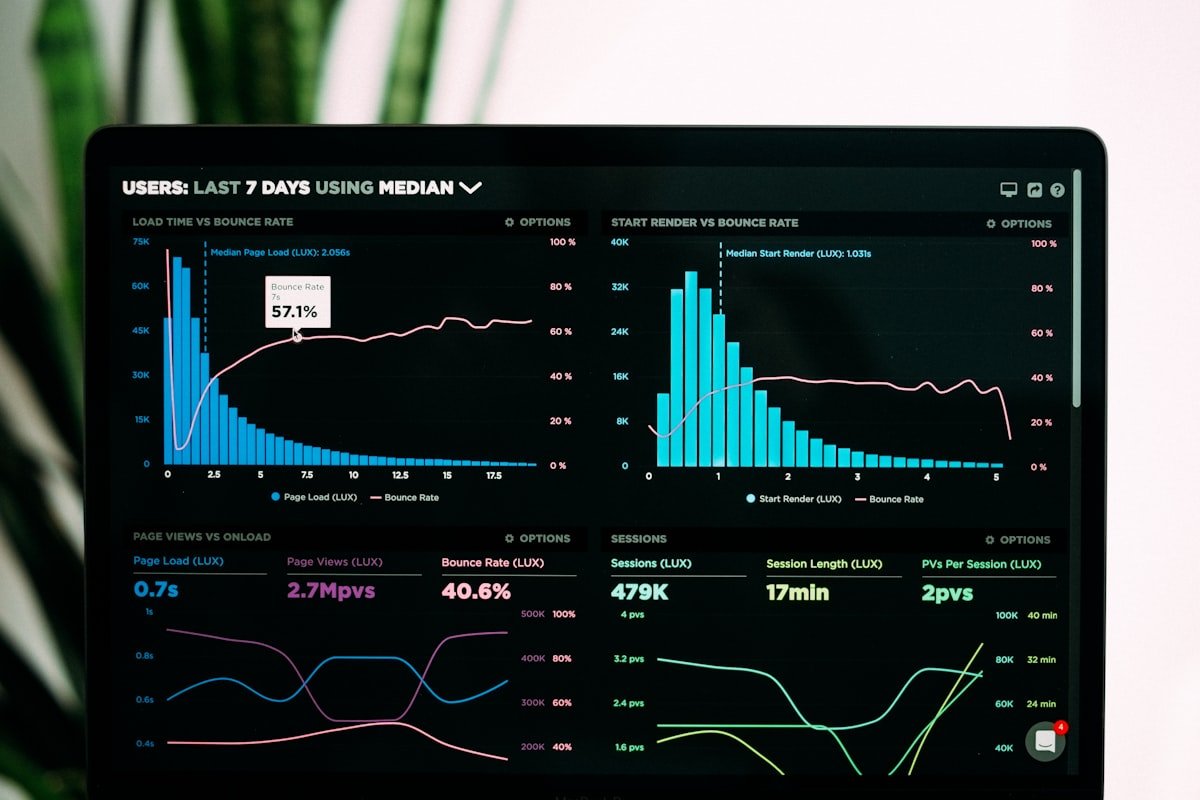
Security logs contain evidence of attacks and suspicious activity. Proper analysis helps you detect threats early and understand your security posture.
Types of Logs to Analyze
WordPress Logs
- Security plugin logs
- Login attempt logs
- User activity logs
- Error logs (debug.log)
Server Logs
- Apache/Nginx access logs
- Apache/Nginx error logs
- PHP error logs
- MySQL slow query logs
What to Look For
Authentication Attacks
# Failed login patterns
grep "authentication failure" /var/log/auth.log
grep "incorrect password" /path/to/security.log

# High volume from single IP
awk '{print $1}' access.log | sort | uniq -c | sort -rn | head -20
Suspicious Requests
# SQL injection attempts
grep -E "(union|select|from|where).*--" access.log

# Path traversal attempts
grep "\.\./\.\./" access.log

# PHP execution attempts
grep "\.php" access.log | grep "wp-content/uploads"

# Common vulnerability scans
grep -E "(wp-config|eval|base64)" access.log
Log Analysis Patterns
Brute Force Detection
# Count failed logins per IP in last hour
SELECT ip_address, COUNT(*) as attempts
FROM security_logs
WHERE event_type = 'login_failed'
AND created_at > DATE_SUB(NOW(), INTERVAL 1 HOUR)
GROUP BY ip_address
HAVING attempts > 10
ORDER BY attempts DESC;
Geographic Anomalies
// Compare login locations
$user_logins = $wpdb->get_results("
    SELECT ip_address, created_at
    FROM {$wpdb->prefix}login_logs
    WHERE user_id = {$user_id}
    ORDER BY created_at DESC
    LIMIT 10
");

// Check for impossible travel
// (login from different countries within short time)
Automated Analysis
Simple Log Parser
// PHP log analyzer
function wpfs_analyze_logs($log_file) {
    $threats = array();
    $handle = fopen($log_file, 'r');

    while (($line = fgets($handle)) !== false) {
        // Check for known attack patterns
        if (preg_match('/union.*select/i', $line)) {
            $threats[] = array(
                'type' => 'sql_injection',
                'line' => $line
            );
        }

        if (preg_match('/\.\.\//' , $line)) {
            $threats[] = array(
                'type' => 'path_traversal',
                'line' => $line
            );
        }
    }

    fclose($handle);
    return $threats;
}
Alert Thresholds
// Define alert rules
$alert_rules = array(
    'brute_force' => array(
        'threshold' => 10,
        'window' => 300, // 5 minutes
        'message' => 'Possible brute force attack'
    ),
    '404_scan' => array(
        'threshold' => 50,
        'window' => 60,
        'message' => 'Possible vulnerability scan'
    )
);

function wpfs_check_alert_thresholds($event_type, $ip) {
    global $alert_rules;

    if (!isset($alert_rules[$event_type])) return;

    $rule = $alert_rules[$event_type];
    $count = wpfs_count_events($event_type, $ip, $rule['window']);

    if ($count >= $rule['threshold']) {
        wpfs_send_alert($rule['message'], array(
            'ip' => $ip,
            'count' => $count
        ));
    }
}
Common Attack Signatures
Patterns to Watch
wp-admin/admin-ajax.phpwith suspicious actionsxmlrpc.phpPOST requests- Direct access to plugin files
- Requests to non-existent plugins
- Encoded payloads in GET/POST
Building Reports
Daily Security Summary
function wpfs_daily_security_report() {
    $report = array();

    // Failed logins
    $report['failed_logins'] = wpfs_count_events('login_failed', null, 86400);

    // Blocked attacks
    $report['blocked_attacks'] = wpfs_count_events('attack_blocked', null, 86400);

    // New users
    $report['new_users'] = wpfs_count_events('user_created', null, 86400);

    // Top attacking IPs
    $report['top_ips'] = wpfs_get_top_attacking_ips(10, 86400);

    return $report;
}
Log Retention
Best Practices
- Keep logs for compliance period
- Compress old logs
- Move to cold storage after 90 days
- Protect logs from tampering
- Document retention policy
Tools for Analysis
- AWStats for access log visualization
- GoAccess for real-time analysis
- ELK Stack for advanced analysis
- Fail2ban for automated response
Conclusion
Regular log analysis reveals attack patterns and security gaps. Automate common checks, set alert thresholds, and review logs regularly. Logs are your evidence trail for incident investigation.
S
Written by Sarah Chen
WP Folder Shield Team


