Complete Guide to WordPress Admin Login Monitoring and Activity Tracking
Master WordPress admin login monitoring with comprehensive activity tracking. Learn to audit user sessions, detect suspicious behavior, and maintain security logs.
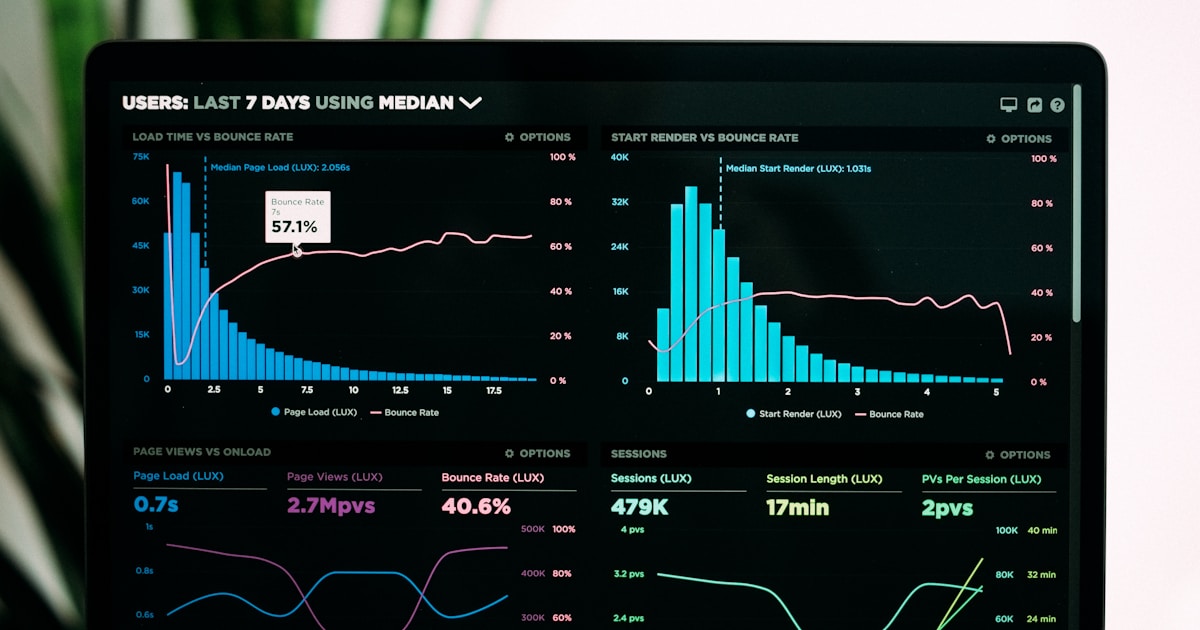
WordPress admin login monitoring goes beyond simple notifications. A comprehensive monitoring system tracks all authentication activity, maintains detailed logs, and provides the audit trail you need to investigate security incidents and ensure compliance.
Whether you manage a single site or hundreds, understanding who is logging in, when, and what they are doing is fundamental to WordPress security.
What Login Monitoring Should Track
Effective admin login monitoring captures multiple data points for every authentication event. This includes successful logins with full details, failed login attempts and the reasons, password reset requests, session timeouts and logouts, two-factor authentication events, and account lockouts from brute force protection.
Beyond authentication, comprehensive monitoring also tracks admin actions taken during each session. This creates an audit trail showing not just who logged in, but what they did while logged in.
Benefits of Login Activity Tracking
Login monitoring provides multiple benefits. Security incident detection allows you to spot unauthorized access quickly through unusual login patterns. Compliance requirements for regulations like SOC 2, HIPAA, and PCI DSS require audit logs of admin access. User accountability ensures that when you know logins are monitored, users are more careful with their credentials and actions. Forensic investigation provides the detailed logs you need to understand what happened and when. Performance monitoring helps identify issues like users being locked out or authentication services failing.
Setting Up Monitoring with WP Folder Shield
WP Folder Shield provides enterprise-grade login monitoring that captures every authentication event. The security logs include detailed information about each login attempt, whether successful or failed, along with the IP address, device information, and geographic location.
The monitoring dashboard gives you a clear view of recent login activity, highlighting any suspicious events that need attention. You can filter logs by user, date range, event type, and IP address to quickly find the information you need.
Analyzing Login Patterns
Raw logs are valuable, but pattern analysis helps you identify threats that individual events would not reveal. Look for multiple failed logins followed by a success, which often indicates a brute force attack that eventually guessed the password. Watch for logins at unusual hours, especially if followed by significant admin actions. Monitor for logins from new geographic locations, particularly countries where you have no users. Track rapid session creation from different IPs using the same account.
WP Folder Shield helps identify these patterns by flagging unusual activity and providing filtering tools to investigate suspicious events.
Log Retention Best Practices
How long should you keep login logs? The answer depends on your compliance requirements and security needs. For most sites, 90 days provides enough history for security investigations while keeping database size manageable. Regulated industries may require 1 to 7 years of log retention.
WP Folder Shield allows you to configure automatic log cleanup after your specified retention period. This keeps your database efficient while ensuring you have the history you need.
Real-Time Monitoring vs Log Review
Login monitoring can be reactive through log review or proactive through real-time alerts. Both approaches have value. Real-time alerts notify you immediately of suspicious events, allowing rapid response. Scheduled log review helps identify patterns and trends that real-time monitoring might miss.
The best approach combines both methods. Use real-time alerts for high-priority events like new device logins or multiple failed attempts. Conduct weekly or monthly log reviews to identify trends and ensure your security configuration is working properly.
Multi-Site Login Monitoring
For WordPress multisite networks or agencies managing multiple sites, centralized login monitoring is essential. You need visibility across all sites without logging into each one individually.
WP Folder Shield supports multisite installations with network-wide monitoring from a single dashboard. You can see login activity across all sites in your network, making it practical to monitor large deployments.
Integrating with External Systems
Enterprise environments often need to integrate WordPress login data with centralized security information and event management systems. Export capabilities and webhook notifications allow you to send login events to external monitoring platforms.
WP Folder Shield supports log exports and webhook notifications that can integrate with your existing security infrastructure.
Conclusion
WordPress admin login monitoring is essential for security, compliance, and accountability. By tracking all authentication events and maintaining detailed logs, you gain the visibility needed to detect threats and investigate incidents.
WP Folder Shield makes comprehensive login monitoring accessible to sites of all sizes. With detailed logging, pattern detection, and flexible retention settings, you get enterprise-grade monitoring without the complexity of enterprise security tools.
Written by Emily Rodriguez
WP Folder Shield Team


