WordPress Security
Understanding WordPress Traffic Patterns and Security Threats
Learn to interpret WordPress traffic patterns to identify security threats. Understand normal vs suspicious traffic and what different patterns indicate.
E
Emily Rodriguez
5 min read
841 views
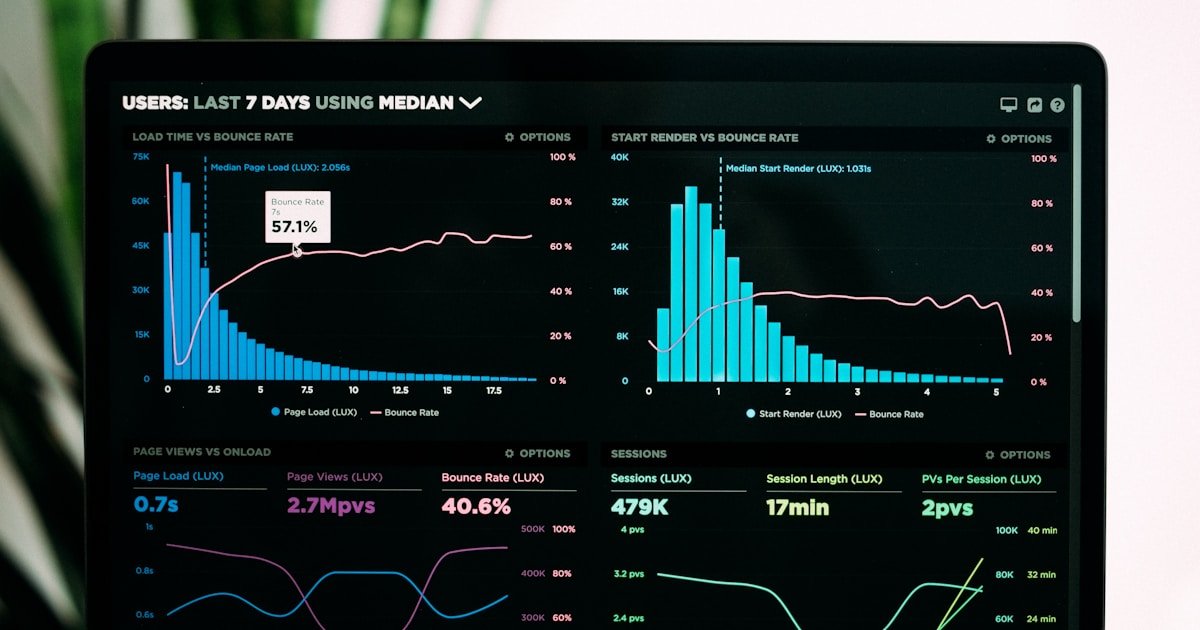
Traffic patterns tell a story. Learning to read that story helps you identify threats, understand your audience, and respond to attacks before they succeed.
Normal Traffic Patterns
Human Visitor Patterns
- Irregular timing (not precisely spaced)
- Multiple page visits per session
- Varied request types
- Normal browsers and devices
- Geographic clustering around your market
Legitimate Bot Patterns
- Googlebot: Crawls pages, respects robots.txt
- Bingbot: Similar to Googlebot
- Uptime monitors: Regular, predictable checks
- Feed readers: Access RSS feeds periodically
Suspicious Traffic Patterns
Brute Force Attack Patterns
- Rapid requests to wp-login.php
- Same IP, different usernames
- Sequential or pattern-based passwords
- Usually from single country/region
Vulnerability Scanning Patterns
- Requests to non-existent URLs
- Trying common vulnerability paths
- Query strings with attack payloads
- Multiple 404 errors in sequence
DDoS Patterns
- Massive request volume
- From many different IPs (distributed)
- Targeting specific endpoint
- Regular timing (botnet coordination)
Scraping Patterns
- Systematic page-by-page access
- Fast, regular intervals
- Ignoring robots.txt
- No JavaScript execution
Analyzing Traffic with WP Folder Shield
Traffic Overview Dashboard
- Total requests over time
- Blocked vs allowed ratio
- Top blocked IPs
- Block reason distribution
Pattern Detection
WP Folder Shield automatically identifies:
- Brute force campaigns
- Scanning attempts
- Bot traffic volume
- Geographic anomalies
Responding to Patterns
Brute Force Detected
- Verify protection is blocking attempts
- Consider blocking source IP/range
- Check for compromised credentials
- Enable 2FA if not already
Scanning Detected
- Verify vulnerabilities are patched
- Block persistent scanners
- Review what they're targeting
- Update security rules if needed
Unusual Volume
- Determine if attack or legitimate traffic
- Check server resources
- Enable stricter rate limiting if attack
- Scale resources if legitimate
Key Metrics to Watch
Block Rate
High block rate indicates either:
- Active attacks (expected)
- False positives (needs tuning)
Geographic Distribution
Traffic from unexpected countries warrants review.
Request Types
High POST volume to non-form pages is suspicious.
Error Rates
Many 404s can indicate scanning.
Get WP Folder Shield to understand your traffic patterns and identify security threats automatically.
E
Written by Emily Rodriguez
WP Folder Shield Team


