WordPress Security
Choosing Secure WordPress Hosting: What to Look For
Learn how to evaluate WordPress hosts for security features, server hardening, and incident response capabilities.
S
Sarah Chen
7 min read
1,353 views
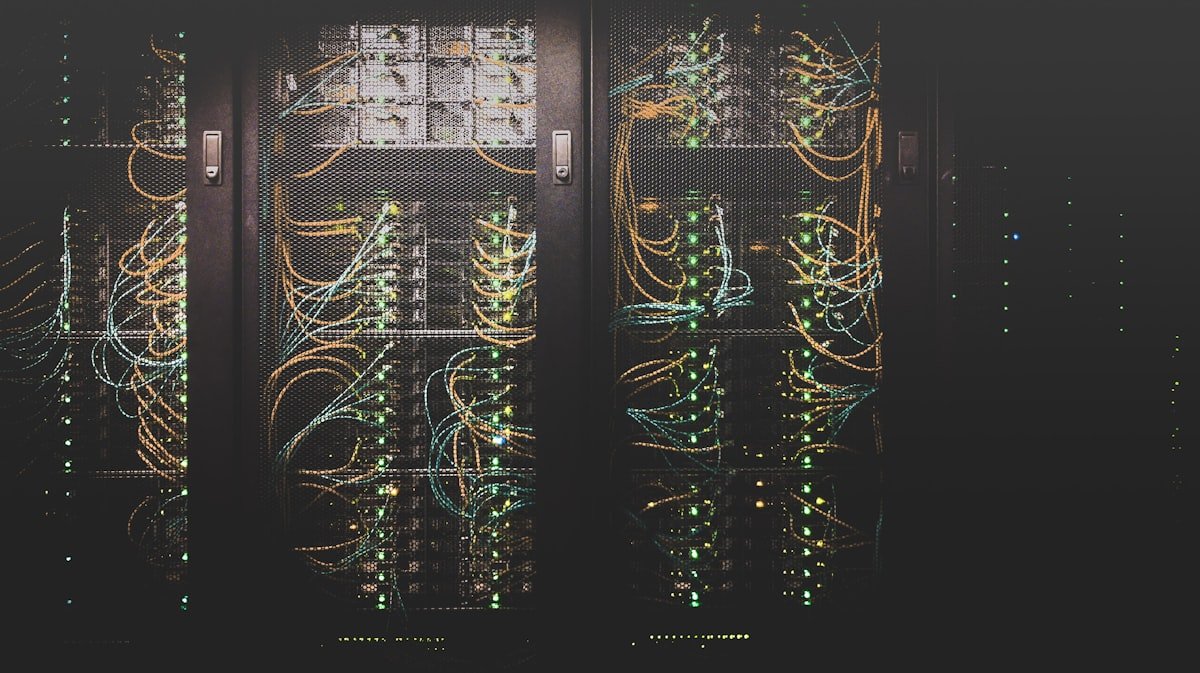
Your hosting provider is your first line of defense. A secure host provides server-level protection that complements your WordPress security plugins and practices.
Essential Security Features
Server-Level Protections
- Web Application Firewall (WAF)
- DDoS protection
- Malware scanning and removal
- Intrusion detection systems
- Real-time threat monitoring
Infrastructure Security
- Isolated account environments
- Regular security patching
- Secure data centers (SOC 2, ISO 27001)
- Network segmentation
- Hardware redundancy
SSL/TLS Requirements
What to Look For
- Free SSL certificates (Let's Encrypt)
- Easy SSL installation
- TLS 1.3 support
- HTTPS by default
- Auto-renewal of certificates
Backup and Recovery
Backup Features
- Automatic daily backups
- Multiple backup retention points
- Off-site backup storage
- One-click restoration
- Downloadable backup files
Questions to Ask
- How long are backups retained?
- Are backups stored separately from live server?
- Can I restore to a specific point in time?
- Are backups encrypted?
Access and Authentication
Control Panel Security
- Two-factor authentication for hosting panel
- IP restriction options
- Activity logging
- SSH key authentication
- SFTP only (no FTP)
PHP and Software Configuration
PHP Security
- Support for latest PHP versions
- PHP version selection per site
- Disabled dangerous functions
- Open_basedir restrictions
- Suhosin or similar hardening
File System Security
- Proper file permissions enforced
- User isolation between accounts
- Read-only core files option
- .htaccess customization allowed
Incident Response
Support Capabilities
- 24/7 security support
- Malware removal assistance
- Hack recovery services
- Security incident notification
Questions to Ask
- What happens if my site is hacked?
- Do you provide malware cleanup?
- How quickly are security issues addressed?
- Is there a security SLA?
Hosting Types Compared
Shared Hosting
- Lower security (shared resources)
- Neighbor site vulnerabilities
- Limited server customization
- Best for: Low-traffic personal sites
Managed WordPress Hosting
- WordPress-specific security
- Automatic updates
- Expert WordPress support
- Best for: Business sites needing reliability
VPS/Dedicated
- Full server control
- Complete isolation
- Requires security expertise
- Best for: High-security requirements
Red Flags to Avoid
- No SSL support or extra charge for SSL
- No backup service included
- Outdated PHP versions only
- No malware scanning
- Poor security incident history
- No two-factor authentication
Security Certifications
- SOC 2 Type II compliance
- ISO 27001 certification
- PCI DSS compliance (for e-commerce)
- GDPR compliance features
Conclusion
Choose hosting based on security features, not just price. A secure host provides essential protections that work alongside your WordPress security measures to create defense in depth.
S
Written by Sarah Chen
WP Folder Shield Team


