Real-Time WordPress Traffic Monitoring: See Who's Visiting
Learn how real-time traffic monitoring gives you visibility into WordPress visitors and threats. Understand what's happening on your site as it happens.
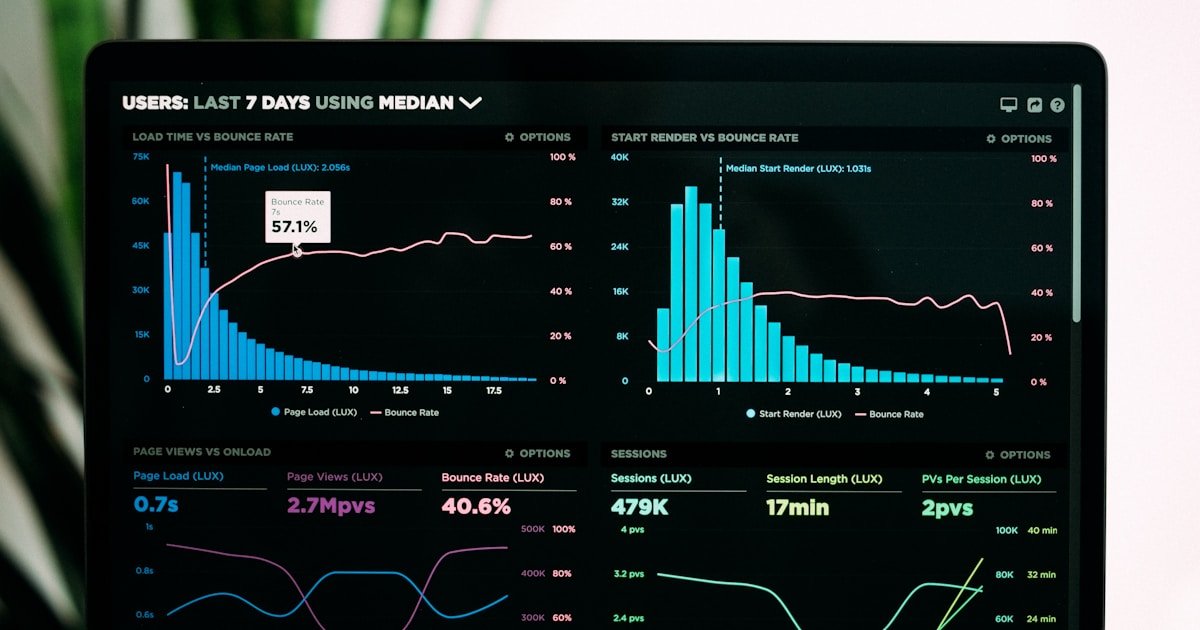
Most WordPress site owners have no idea what's happening on their sites in real-time. Real-time traffic monitoring changes that, giving you instant visibility into every visitor and potential threat.
Why Monitor Traffic in Real-Time?
Beyond Analytics
Google Analytics shows you trends and statistics. Real-time monitoring shows you:
- Exactly who is on your site right now
- What they're doing this second
- Whether they're legitimate or malicious
- Attacks as they happen
Security Visibility
Real-time monitoring reveals:
- Brute force attacks in progress
- Vulnerability scanning attempts
- Blocked threats and their sources
- Suspicious behavior patterns
What Real-Time Monitoring Shows
Visitor Information
- IP address: Where requests originate
- Country: Geographic location
- Pages visited: What they're accessing
- User agent: Browser/bot identification
- Request type: GET, POST, etc.
Security Events
- Blocked requests: What your security stopped
- Block reason: Why it was blocked
- Attack type: SQL injection, XSS, brute force
- Threat severity: Critical, high, medium, low
Common Discoveries from Traffic Monitoring
Bot Traffic
Many site owners are surprised to discover:
- 50%+ of traffic is bots
- Not all bots are Google (many are malicious)
- Scrapers copying your content
- SEO tools checking your rankings
Attack Volume
Typical WordPress sites see:
- Dozens to hundreds of brute force attempts daily
- Constant vulnerability scans
- Comment spam attempts
- XML-RPC attacks
Unusual Patterns
- Traffic from unexpected countries
- Spikes indicating attacks or virality
- Specific pages being targeted
- Credential stuffing campaigns
WP Folder Shield Live Traffic Monitor
Real-Time Dashboard
Watch traffic as it happens:
- Auto-refreshing visitor list
- Color-coded by threat level
- Filtering by IP, country, type
- Export capabilities
Security Focus
Unlike analytics tools, we emphasize security:
- Blocked requests highlighted
- Threat categorization
- Attack pattern identification
- Quick block/whitelist actions
Performance Optimized
- Optional feature (disabled by default)
- Async logging (no impact on visitors)
- Configurable retention period
- Database optimized for speed
Using Traffic Data Effectively
Identify Attack Sources
When you see repeated blocks from an IP or range, consider permanent blocking.
Understand Your Audience
Real traffic patterns help you:
- Identify popular content
- Discover unexpected markets
- Optimize for real users
Validate Security Rules
Monitor false positives—legitimate traffic being blocked.
Incident Response
During attacks, real-time data guides your response.
Get WP Folder Shield for real-time traffic monitoring with security-focused insights.
Written by Sarah Chen
WP Folder Shield Team


