Best Practices
Monitoring Blocked Requests and Security Threats in WordPress
Learn to monitor and analyze blocked requests in WordPress. Understand what your security is stopping and identify patterns in threat data.
A
Amanda Foster
5 min read
637 views
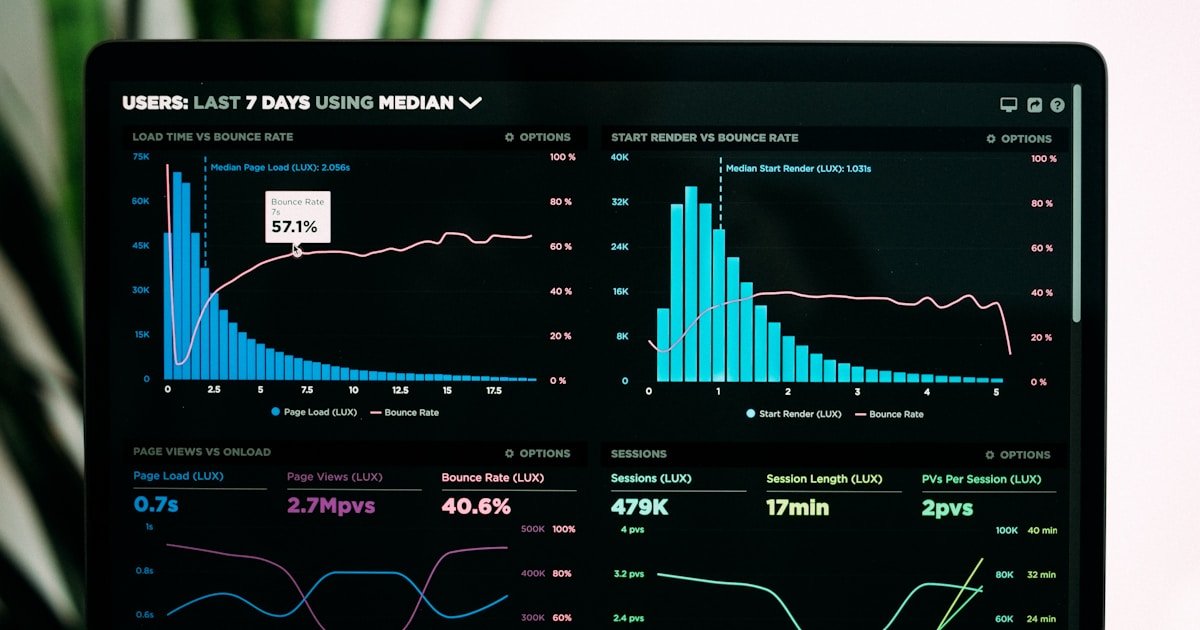
Every blocked request tells a story. Monitoring what your security stops reveals the threats targeting your site and helps validate that your protections are working correctly.
Why Monitor Blocked Requests?
Validate Protection
Confirm your security is actually working:
- See attacks being stopped
- Verify correct rule triggering
- Confirm coverage of attack types
Identify False Positives
Find legitimate traffic being blocked:
- Real users incorrectly flagged
- Legitimate bots blocked
- Overly aggressive rules
Understand Threats
Learn what's targeting your site:
- Attack types and frequency
- Attacker sophistication
- Target priorities
Types of Blocked Requests
IP-Based Blocks
- Manual blacklist: IPs you've blocked
- Threat intelligence: Known bad IPs
- Auto-block: Triggered by behavior
- Country blocking: Geographic restrictions
WAF Blocks
- SQL injection: Database attack attempts
- XSS: Script injection attempts
- File inclusion: Path traversal attacks
- Bad bots: Known malicious user agents
Authentication Blocks
- Rate limiting: Too many requests
- Brute force protection: Failed login limits
- Lockouts: Temporary access denial
Analyzing Block Data
Key Metrics
- Block volume: Total blocked requests over time
- Block types: Distribution by category
- Top blocked IPs: Most frequent attackers
- Geographic distribution: Attack origins
Patterns to Look For
- Sudden spikes: New attack campaigns
- Persistent IPs: Dedicated attackers
- Targeting patterns: What URLs are hit
- Time patterns: When attacks occur
WP Folder Shield Block Monitoring
Block Log Dashboard
- Real-time blocked request stream
- Filtering and search
- Export capabilities
- Historical analysis
Block Analytics
- Charts showing block trends
- Category breakdown
- Geographic heatmap
- Top attacker list
Actions from Logs
- Whitelist false positives
- Permanently block persistent attackers
- Block entire IP ranges
- Adjust rules based on patterns
Best Practices
Regular Review
Check block logs weekly at minimum. Daily during active threats.
Investigate Anomalies
Unusual patterns warrant deeper investigation.
Clean Up Logs
Set appropriate retention to prevent database bloat.
Act on Intelligence
Use block data to strengthen defenses.
Get WP Folder Shield for comprehensive blocked request monitoring and threat analysis.
A
Written by Amanda Foster
WP Folder Shield Team


