WordPress Security
Automating WordPress Security: Set and Protect
Learn how to automate WordPress security tasks. Set up automatic updates, scheduled scans, automated backups, and security monitoring.
S
Sarah Chen
7 min read
1,345 views
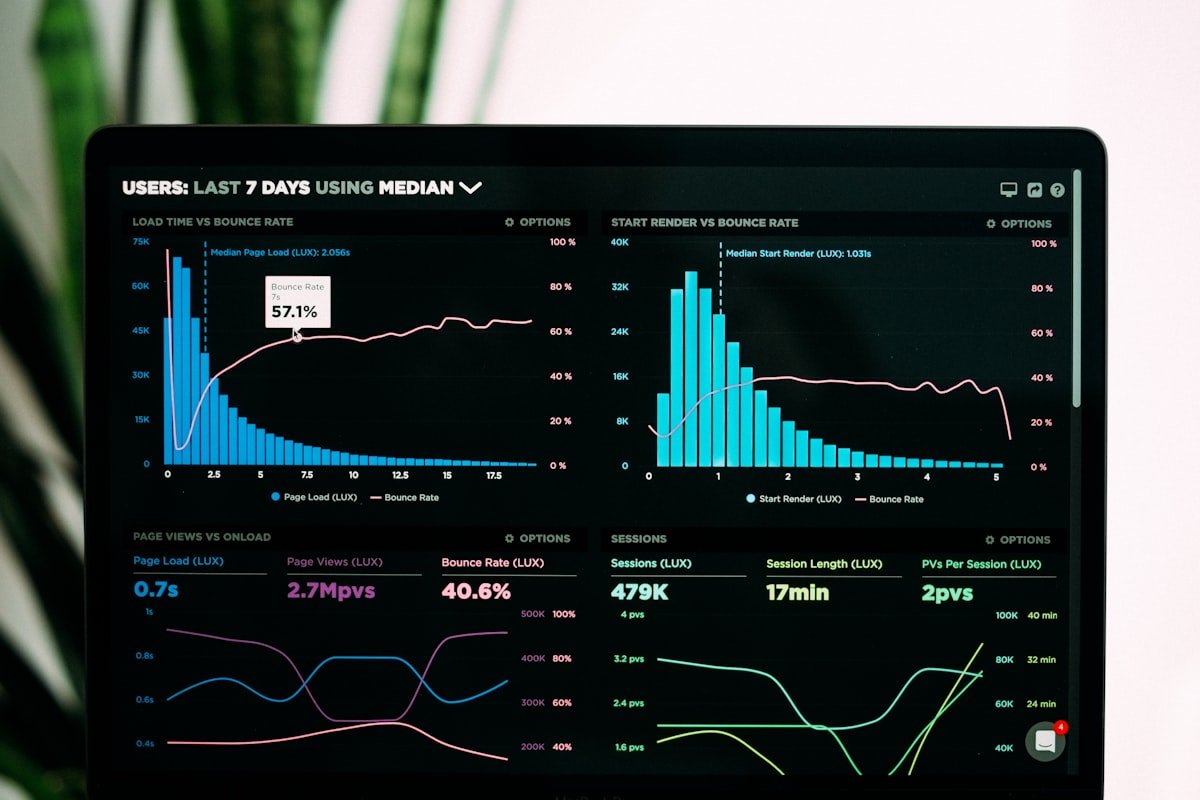
Security automation reduces manual workload while ensuring consistent protection. Automated systems catch threats faster, apply updates promptly, and maintain security even when you're not actively monitoring.
Benefits of Security Automation
- Consistent protection without manual intervention
- Faster response to new threats
- Reduced human error
- 24/7 monitoring capability
- Scalability across multiple sites
Automatic Updates
Core Updates
// Enable all automatic updates in wp-config.php
define('WP_AUTO_UPDATE_CORE', true);

// Or more granular control
add_filter('auto_update_core', '__return_true'); // All core updates
add_filter('allow_minor_auto_core_updates', '__return_true'); // Minor only
add_filter('allow_major_auto_core_updates', '__return_true'); // Major too
Plugin and Theme Updates
// Auto-update all plugins
add_filter('auto_update_plugin', '__return_true');

// Auto-update all themes
add_filter('auto_update_theme', '__return_true');

// Selective plugin updates
add_filter('auto_update_plugin', function($update, $item) {
    // Always auto-update security plugins
    $security_plugins = array(
        'wp-folder-shield/wp-folder-shield.php',
        'wordfence/wordfence.php'
    );

    if (in_array($item->plugin, $security_plugins)) {
        return true;
    }

    return $update;
}, 10, 2);
Scheduled Security Scans
WordPress Cron for Scans
// Schedule daily security scan
register_activation_hook(__FILE__, function() {
    if (!wp_next_scheduled('wpfs_daily_security_scan')) {
        wp_schedule_event(time(), 'daily', 'wpfs_daily_security_scan');
    }
});

add_action('wpfs_daily_security_scan', function() {
    // Run file integrity check
    check_file_integrity();

    // Check for known malware patterns
    scan_for_malware();

    // Verify core files
    verify_core_checksums();

    // Send report if issues found
    send_security_report();
});
Custom Scan Schedules
// Add custom cron schedule
add_filter('cron_schedules', function($schedules) {
    $schedules['every_six_hours'] = array(
        'interval' => 6 * HOUR_IN_SECONDS,
        'display' => 'Every Six Hours'
    );
    return $schedules;
});
Automated Backups
Scheduling Backups
// Daily database backup
add_action('wpfs_daily_backup', function() {
    global $wpdb;

    $backup_dir = WP_CONTENT_DIR . '/backups/';
    $filename = 'db-backup-' . date('Y-m-d-His') . '.sql';

    // Export database
    $tables = $wpdb->get_results('SHOW TABLES', ARRAY_N);
    $sql = '';

    foreach ($tables as $table) {
        $table_name = $table[0];
        $create = $wpdb->get_row("SHOW CREATE TABLE `$table_name`", ARRAY_N);
        $sql .= $create[1] . ";

";

        $rows = $wpdb->get_results("SELECT * FROM `$table_name`", ARRAY_A);
        foreach ($rows as $row) {
            $values = array_map([$wpdb, 'prepare'], array_fill(0, count($row), '%s'), $row);
            $sql .= "INSERT INTO `$table_name` VALUES (' . implode(',', array_values($row)) . ');
";
        }
        $sql .= "

";
    }

    file_put_contents($backup_dir . $filename, $sql);

    // Rotate old backups (keep last 7)
    rotate_backups($backup_dir, 7);
});
Automated Monitoring
Uptime Monitoring
// External uptime check endpoint
add_action('rest_api_init', function() {
    register_rest_route('wpfs/v1', '/health', array(
        'methods' => 'GET',
        'callback' => function() {
            return array(
                'status' => 'ok',
                'time' => current_time('mysql'),
                'version' => get_bloginfo('version')
            );
        },
        'permission_callback' => '__return_true'
    ));
});
Change Detection
// Monitor critical file changes
function monitor_file_changes() {
    $critical_files = array(
        ABSPATH . 'wp-config.php',
        ABSPATH . '.htaccess',
        ABSPATH . 'wp-includes/version.php'
    );

    $stored_hashes = get_option('wpfs_file_hashes', array());
    $changes = array();

    foreach ($critical_files as $file) {
        if (file_exists($file)) {
            $current_hash = md5_file($file);

            if (isset($stored_hashes[$file]) && $stored_hashes[$file] !== $current_hash) {
                $changes[] = $file;
            }

            $stored_hashes[$file] = $current_hash;
        }
    }

    update_option('wpfs_file_hashes', $stored_hashes);

    if (!empty($changes)) {
        alert_file_changes($changes);
    }
}
Automated Response
Auto-Block Attackers
// Automatically block IPs after failed logins
add_action('wp_login_failed', function($username) {
    $ip = $_SERVER['REMOTE_ADDR'];
    $key = 'login_fails_' . md5($ip);
    $fails = get_transient($key) ?: 0;

    $fails++;
    set_transient($key, $fails, HOUR_IN_SECONDS);

    if ($fails >= 5) {
        // Add to blocklist
        $blocked = get_option('wpfs_blocked_ips', array());
        $blocked[$ip] = array(
            'reason' => 'Excessive login failures',
            'expires' => time() + (24 * HOUR_IN_SECONDS)
        );
        update_option('wpfs_blocked_ips', $blocked);
    }
});
Automated Reporting
Weekly Security Reports
// Send weekly security summary
add_action('wpfs_weekly_report', function() {
    $report = array(
        'blocked_attacks' => get_option('wpfs_blocked_count', 0),
        'failed_logins' => get_option('wpfs_failed_logins', 0),
        'updates_available' => count(get_plugin_updates()),
        'last_backup' => get_option('wpfs_last_backup'),
        'security_score' => calculate_security_score()
    );

    $message = format_security_report($report);
    wp_mail(get_option('admin_email'), 'Weekly Security Report', $message);

    // Reset counters
    update_option('wpfs_blocked_count', 0);
    update_option('wpfs_failed_logins', 0);
});
Automation Best Practices
- Test automation in staging first
- Monitor automated tasks for failures
- Keep backup of automation before changes
- Document all automated processes
- Review automation logs regularly
Conclusion
Security automation ensures consistent protection with minimal manual intervention. Implement automatic updates, scheduled scans, automated backups, and intelligent monitoring to maintain strong security continuously.
S
Written by Sarah Chen
WP Folder Shield Team


